Was ist eine NFC-Visitenkarte? Wie Tap-to-Share auf iPhone und Android funktioniert
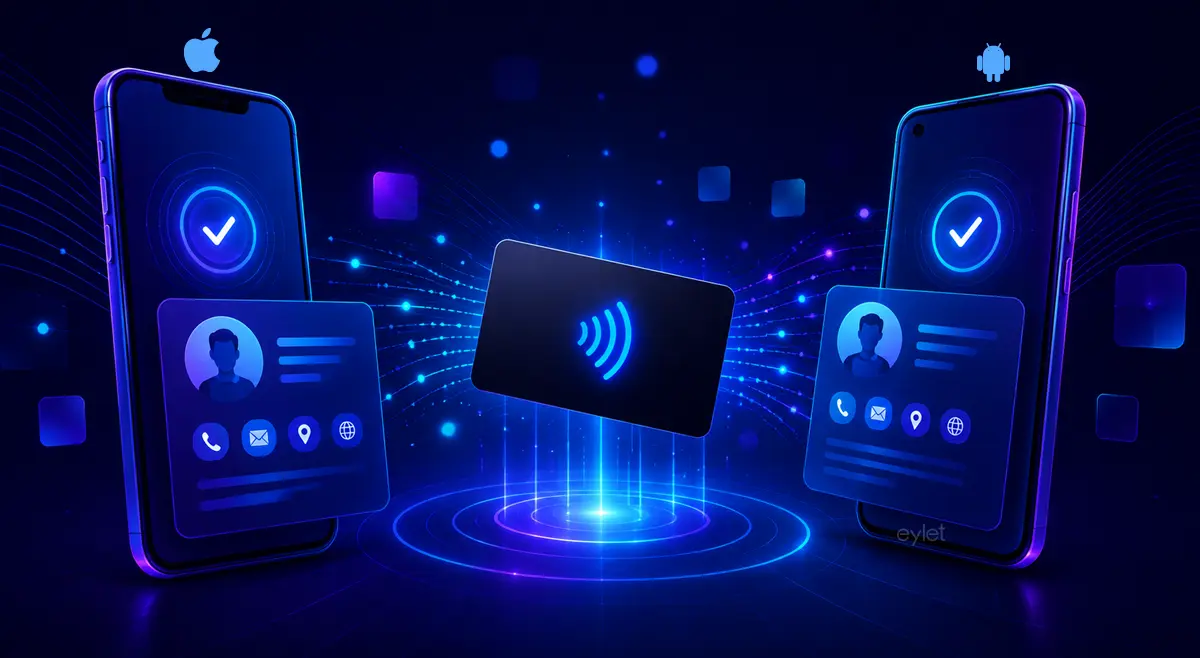
Eine NFC-Visitenkarte hat einen kleinen Chip im Inneren. Wenn jemand sein Telefon nah an die Karte hält, öffnet sich ein digitales Profil im Browser. Keine App erforderlich. Kein Tippen. Ein Tippen. iPhones lesen von der oberen Kante. Android benötigt NFC in den Einstellungen aktiviert. Ein QR-Code auf der Karte dient als Backup für alle anderen Geräte.
Was ist eine NFC-Visitenkarte?
Eine NFC-Visitenkarte sieht wie eine Standard-Visitenkarte aus. Der Unterschied ist ein kleiner NFC-Chip, der im Inneren eingebettet ist. NFC steht für Near Field Communication, die gleiche Funktechnologie hinter kontaktlosen Zahlungen und Fahrkarten.
Sie wird auch digitale Visitenkarte, intelligente Visitenkarte oder kontaktlose Visitenkarte genannt, je nach Kontext. Die Begriffe beschreiben alle das gleiche.
Wenn jemand die Karte mit seinem Telefon antippt, sendet der Chip einen Web-Link an das Gerät. Das Telefon öffnet diesen Link im Browser und lädt Ihr digitales Profil. Ihr Name, Kontaktdaten, Social-Links und alles andere, das Sie hinzugefügt haben, werden auf dem Bildschirm angezeigt.
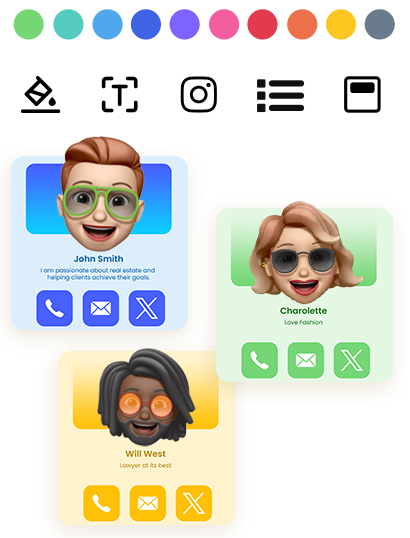
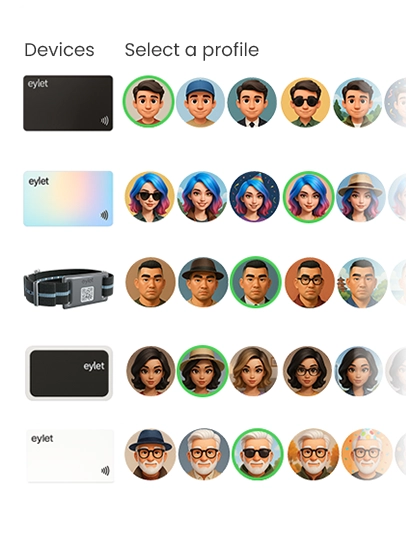
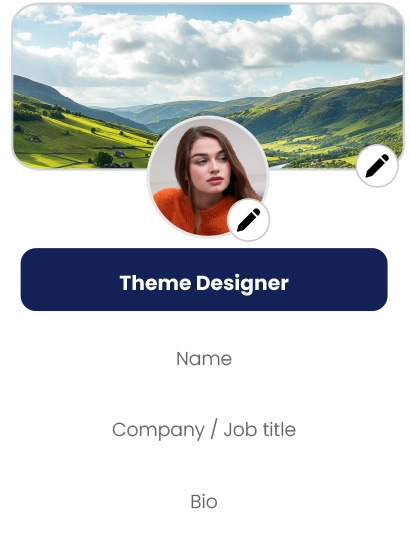
eylets digitale Kartenplattform ermöglicht es Ihnen, ein Profil mit Bildergalerien, eingebetteten Videos, PDFs und Links zu über 65 unterstützten Netzwerken zu erstellen – alles mit der gleichen physischen NFC-Karte verknüpft.
Was ist ein NFC-Chip und was speichert er?
Der Chip in einer NFC-Visitenkarte ist passiv. Es hat keine Batterie. Es bezieht Strom aus dem elektromagnetischen Feld, das von einem NFC-Lesegerät eines Telefons erzeugt wird, wenn die beiden in wenigen Zentimetern Abstand zueinander kommen.
Der Chip speichert eine URL, keine vollständige Kontaktdatei. Diese URL verweist auf ein gehostetes digitales Profil. Wenn das Telefon die URL liest und sie im Browser öffnet, kann das Profil alles anzeigen, von Ihrem Namen und Telefonnummer bis zu eingebetteten Videos, Portfolio-Links und einer Schaltfläche zum Speichern in Kontakten.
Ein einzelner Profil-Link – mehr als ausreichend für die meisten Karten.
Längere URLs oder zusätzliche Kontaktdaten direkt auf den Chip geschrieben.
Benutzerdefinierte Daten direkt auf den Tag für fortgeschrittene Anwendungsfälle geschrieben.
Diese Einrichtung macht NFC-Visitenkarten aktualisierbar. Der Link bleibt derselbe. Das Profil dahinter ändert sich, wann immer Sie es brauchen.
Was ist eine digitale Visitenkarte?
Eine digitale Visitenkarte ist das Online-Profil, auf das Ihre NFC-Karte verweist. Es lebt auf einem Server, nicht auf dem Chip selbst. Wenn jemand Ihre NFC-Visitenkarte antippt, öffnet sein Telefon dieses Profil automatisch.
Sie können Ihre Telefonnummer, Jobtitel, Unternehmen oder Social-Links aktualisieren, ohne die physische Karte anzufassen. Die Karte verweist weiterhin auf den gleichen Link. Der Link zeigt alles, was Sie geändert haben.
NFC-Technologie ist die Brücke zwischen der physischen Karte und dem digitalen Profil. Der Chip hält die Adresse. Das Profil speichert den Inhalt. Zusammen ersetzen sie die Papierkarte durch etwas, das nie veraltet.
Wie Tap-to-Share Schritt für Schritt funktioniert
Tap-to-Share funktioniert wie folgt Schritt für Schritt. Der Mechanismus ist derselbe auf iPhone und Android:
Der NFC-Chip in der Karte bleibt inaktiv, bis sich ein Telefon nähert.
Das NFC-Lesegerät des Telefons erzeugt ein kleines elektromagnetisches Feld und speist den Chip mit Strom.
Der Chip sendet seinen gespeicherten Web-Link zurück zum Telefon.
Der Browser öffnet automatisch und lädt das digitale Profil.
Der Empfänger kann Ihren Kontakt speichern, Ihre Links besuchen oder Ihr Profil teilen. Der ganze Austausch dauert weniger als eine Sekunde.
Die Karte selbst verbindet sich nie mit dem Internet. Das Telefon kümmert sich darum. Der NFC-Chip trägt nur die Adresse.
Wo man eine NFC-Karte auf dem iPhone antippt
Wenn Sie sich fragen, wo Sie eine NFC-Karte auf dem iPhone antippen müssen, hängt die Antwort leicht vom Modell ab.
| Modell | Was zu tun ist | Wo antippen |
|---|---|---|
| iPhone 7 & 8 | Öffnen Sie das Kontrollzentrum, tippen Sie zuerst auf das NFC-Tag-Reader-Symbol | Obere hintere Kante |
| iPhone XS und neuer | Telefon entsperren, nah an Karte halten – liest automatisch | Obere hintere Kante |
Die NFC-Antenne auf dem iPhone sitzt in der Nähe der oberen hinteren Kante. Das ist die beste Stelle. Das Tippen in der Mitte oder am unteren Rand bei älteren Modellen kann das Lesen möglicherweise nicht auslösen. Bei iPhone XS und neuer müssen Sie nichts aktivieren. Entsperren Sie Ihr Telefon, halten Sie die obere Seite nah an den Chip, und das Profil öffnet sich.
Wie man eine NFC-Visitenkarte auf Android verwendet
Zu wissen, wie man eine NFC-Visitenkarte auf Android verwendet, dauert etwa dreißig Sekunden zu erlernen. Die meisten modernen Android-Geräte haben NFC standardmäßig aktiviert, aber einige erfordern, dass Sie es zuerst aktivieren.
• Öffnen Sie Einstellungen
• Suchen Sie nach „NFC
• Toggle NFC on
• Hold the card against the back of the phone. If the first tap fails, move the phone slowly across the card to find the antenna position.
The NFC antenna on Android phones sits in the centre or upper back area. The exact position varies by manufacturer. If tapping does not work first time, move the phone slowly over the card until it detects the chip. Removing a thick case also helps if the signal is weak.
NFC Business Card vs QR Code
An NFC business card typically includes both technologies. They are not competing. They serve different situations.
Fast, no camera needed, works on NFC-enabled phones within a few centimetres.
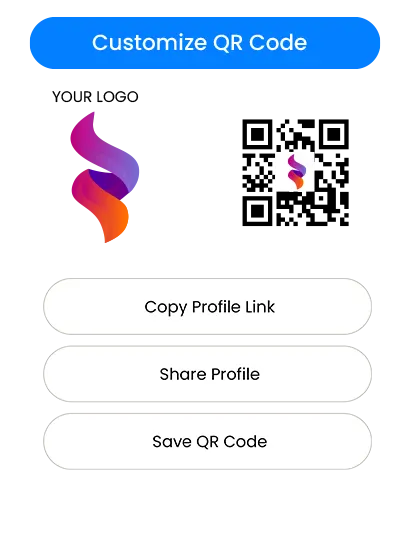
Works on any phone with a camera — tablets, laptops, and older devices without NFC.
Using both means the card works for everyone. If a phone does not support NFC, the QR code on the card opens the same digital profile. The QR code is the fallback, not the primary method.
Is Tap-to-Share Safe?
The chip in an NFC business card stores only what you put there, usually a web link. It does not transmit data from your phone. It does not access the recipient's contacts, files, or anything else on their device.
What transfers is the stored URL. The rest happens in the browser, the same way any website works. The card acts as a trigger. What people see on screen is your digital profile, which you control and can update or deactivate at any time.
NFC also only works at close range, typically under five centimetres. No one can read your card from across the room. The read requires deliberate contact.
eylet covers the safety question in detail on its blog, including link-tampering risks and a PIN-based Privacy Wall feature that blocks access until a code is entered.
Tap-to-Share Range and What Blocks It
NFC is intentionally short range. The read distance is typically between one and five centimetres. This prevents unintended reads and means the person tapping your card is making a deliberate choice.
The exchange itself is nearly instantaneous. Most users see the profile open in under a second from the moment the phone detects the chip.
Thick metal cases — can block the electromagnetic field entirely. Remove the card from a metal holder before tapping.
Multiple NFC cards stacked together — cards in a wallet can interfere with each other. Take the card out before tapping.
NFC disabled on Android — a quick toggle in Settings fixes this in seconds.
How People Use NFC Business Cards
Sales teams use NFC business cards to share contact details instantly in meetings. Freelancers link them to a portfolio. Recruiters connect people to a LinkedIn profile. At trade shows and conferences, a tap is faster than typing a phone number and eliminates the risk of mistyping.
Because the card points to a link rather than printing details directly, the physical card keeps working even after you change your phone number, job title, or company. Update the profile once and every future tap reflects the change.
For anyone who goes to events, conferences, or client meetings regularly, tap-to-share removes the friction from the moment two people exchange details. There is no paper to lose, no number to mistype, and no card that goes out of date the week after you get promoted.
eylet's getting started guide covers the full setup: create your profile, link your card, and anyone tapping it sees your details in their browser immediately without downloading anything.
Frequently Asked Questions
Do NFC business cards work on all phones?
Most modern iPhones and Android phones support NFC. On older or budget devices without NFC, the QR code on the card still opens the same profile.
Do I need an app to read an NFC business card?
No. The card opens a standard web page in the phone's browser. No app download required on either side.
Can I update my details after buying an NFC card?
Yes. The card points to a link. Update the profile linked to that URL and every future tap shows the new information.
Are NFC business cards reusable?
Yes. The same physical card can be tapped repeatedly. There is no limit.
What if NFC does not work?
Scan the QR code printed on the card. It opens the same digital profile without needing NFC.
Are NFC business cards better than paper cards?
They solve different problems. NFC cards make it easy to update information and share without printing. Paper cards need no technology and work everywhere.
An NFC business card is a physical card with a chip. The chip stores a link. The phone reads the link. The browser opens your profile. That is the whole mechanism.
It works on most modern phones without any app, and a QR code on the same card covers everyone else.
If you want to see it in practice, eylet's NFC card packs ship with both NFC and a printed QR code on the same card.